Selling your used laptop or tablet is a smart way to upgrade to a newer model while recovering some value from your old device. However, before you hand off your device, there are essential steps you need to take to protect your personal data and maximize your selling price. Here's your complete pre-sale checklist.
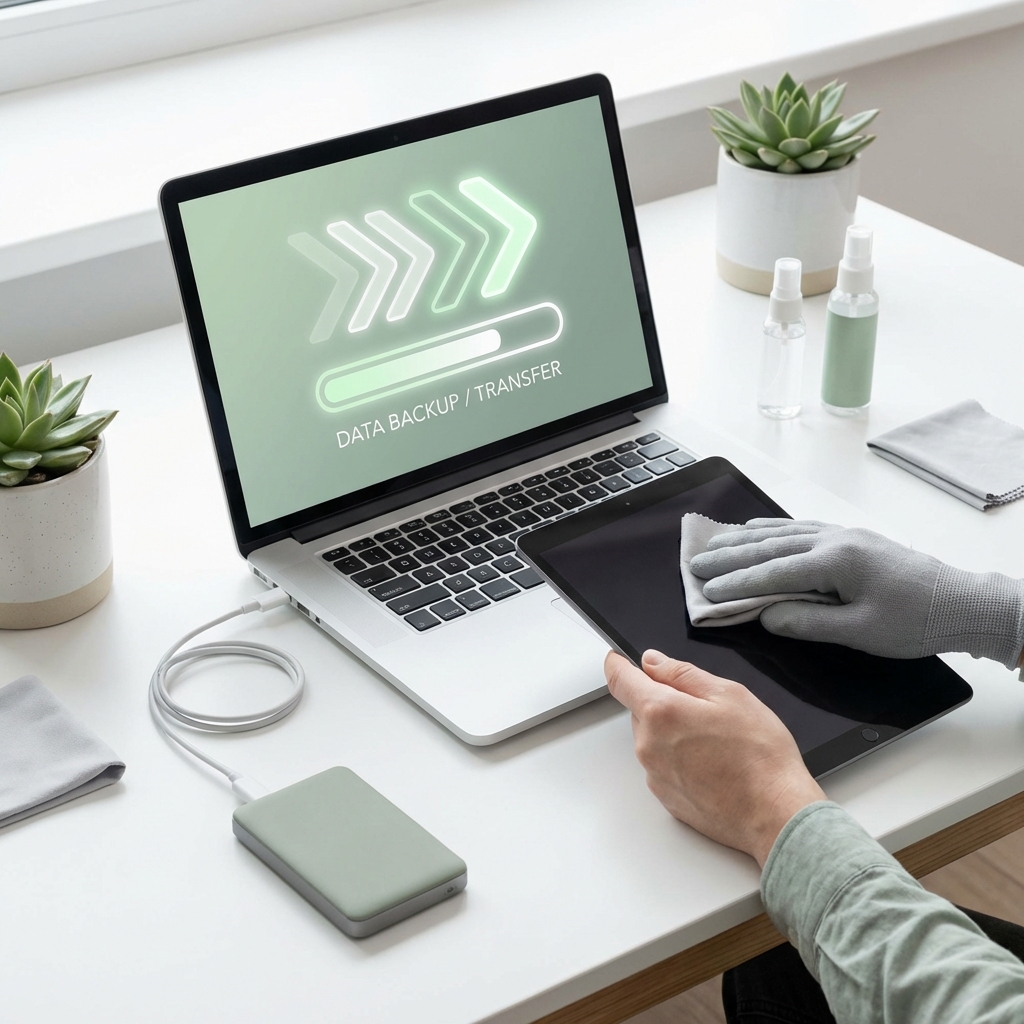
1. Back Up Everything Important
Before doing anything else, make sure all your important data is safely backed up:
For Laptops: - Transfer documents, photos, and videos to an external hard drive or cloud storage - Export browser bookmarks and save important passwords using a password manager - Back up any specialized software licenses or product keys you might need later - Check for application data stored locally (email archives, project files, game saves)
For Tablets: - Sync your photos and videos to cloud services like Google Photos or iCloud - Ensure your contacts and calendars are backed up to your account - Save any downloaded content (ebooks, offline music, documents) - Export notes and other app-specific data
2. Sign Out of All Accounts
Once your data is backed up, systematically log out of every account on your device:
- Email accounts (Gmail, Outlook, etc.)
- Cloud storage services (Google Drive, Dropbox, iCloud)
- Streaming services (Netflix, Spotify, Prime Video)
- Social media applications
- Banking and payment apps
- Any software with licensing tied to your device
Don't forget to deauthorize your device from services that limit the number of devices, like iTunes or Adobe Creative Cloud.
3. Deregister and Unlink Your Device
This step is crucial for both security and ensuring the buyer can properly set up the device:
For Apple Devices: - Sign out of iCloud completely - Disable Find My iPhone/iPad/Mac - Remove the device from your Apple ID account
For Windows Laptops: - Sign out of your Microsoft account - Deactivate Windows (if you want to transfer your license) - Unlink from Microsoft 365 and other services
For Android Tablets: - Remove your Google account - Turn off Factory Reset Protection - Unpair any connected Bluetooth devices
4. Perform a Factory Reset
After backing up and signing out, perform a complete factory reset:
Windows Laptops: Go to Settings > System > Recovery > Reset this PC. Choose "Remove everything" and select the option to clean the drive completely. This takes longer but ensures data cannot be recovered.
macOS Devices: Restart while holding Command+R to enter Recovery Mode. Use Disk Utility to erase the drive, then reinstall macOS fresh.
Android Tablets: Go to Settings > System > Reset options > Erase all data (factory reset). Make sure to also remove the SD card if present.
iPads: Go to Settings > General > Transfer or Reset iPad > Erase All Content and Settings.
5. Clean and Prepare Your Device Physically
First impressions matter when selling any used item:
- Clean the screen with a microfiber cloth and appropriate screen cleaner
- Wipe down the keyboard, touchpad, and exterior surfaces
- Remove any stickers or residue
- Check all ports and ensure they're free of dust or debris
- Test that all basic functions work (keyboard, touchscreen, camera, speakers)
Include Accessories If you still have the original box, charger, and any accessories, include them. Devices sold with original accessories typically fetch higher prices.
Bonus Tips for Maximum Value
Documentation Take note of your device's specifications: - Exact model name and number - Storage capacity - RAM size - Processor type - Battery health (if accessible) - Any upgrades you've made (extra RAM, SSD upgrades)
Be Honest About Condition Accurately describe any issues with your device, including: - Cosmetic damage (scratches, dents) - Battery life concerns - Any malfunctioning components - Screen issues
Honesty builds trust and avoids disputes after the sale.
Ready to Sell?
Once you've completed these steps, your laptop or tablet is ready for its new owner. With Reebuy, selling is simple:
1. Get an instant quote online 2. Schedule a convenient pickup time 3. Our agent verifies the device at your doorstep 4. Receive instant payment on the spot
We handle all device types and conditions, offering competitive prices with the convenience of free doorstep pickup. Your properly prepared device will help ensure a smooth transaction and the best possible price.